Every part of the mountain. Run the parts you need.

Each part of DAY/OS is its own app. Your mountain turns on the ones it uses, and your crew only sees those in their menu. Here is what each one does today, and the pages your guests see.

Request a walkthroughSee PatrolSee the guest pagesSee pricing
Illustration of a small ski area at dawn: a groomed trail, a chairlift and spruce forest

New this season.

What we added most recently. Inside the app, Help, What's new lists every change as it ships.

Patrol operations

On duty, phone alerts for calls, opening checks, the closing sweep, lift evacuation, medications and oxygen, avalanche work, the daily log and records requests.

Patrol

Shift cover

A patroller who can't make a shift asks for cover; someone free takes it, and a lead approves if you want them to.

Patrol

Billing you control

Choose your plan and add-ons, pay by card, bank account or invoice, and see your receipts, on the Billing page.

Every mountain

RFID cards at the gate

Load a ticket or pass on a card, tap it at the gate, and load it again next season. A desk reader that types like a keyboard works.

Gate

Team Inbox

Messages between your crew, with links to the case, the shift or the work order they are about. Published schedules arrive here.

Every mountain

Injury network

Opt in to compare your injury rates with other mountains, by counts only, with small numbers hidden. You choose whether your name is shown.

Patrol

Operations

The daily running of the hill.

Sell

Tickets, passes and gift cards at one counter.

Needs Products and prices, so the two switch on together.
  • Day tickets, season passes and gift cards
  • Quick sale: day tickets skip the customer form
  • Cash buttons for exact, $20, $50 and $100, with the change in large type
  • Promo codes and sales tax rules you set once
  • Refunds need a reason, and the reason is kept
  • Receipts for every sale

Products and prices

What you sell, and what it costs.

  • Items, passes and add-ons with prices
  • Prices by date, and days a product is not sold
  • Promo codes and price rules
  • Used by Sell, the online shop, Rentals, Ski school and Programs

Gate

Scan it at the lift and know it was used.

  • Scan lift tickets and passes by code
  • RFID cards: load a ticket or pass, tap at the gate, reload next season
  • A desk reader that types like a keyboard works in every card field
  • A pass that was just used is stopped
  • Scan history shows when and where a pass was used

Online shopAdd-on

Sell tickets and passes while you sleep.

Needs Products and prices. Included in the Resort plan.
  • Guests choose a day first, with that day's lowest price on the calendar
  • Lift tickets, multi-day tickets, season passes with a photo, and gift cards
  • Daily ticket limits, a waitlist when a day sells out, and products sold only on set weekdays
  • Lessons, rentals and vouchers offered as extras in the basket
  • Guests change their date online for a fee you set
  • Reminder emails for unfinished baskets, and your logo, colour and photo on the page

Lifts and trails

Know what is safe to open before the first chair.

A lift that fails its inspection cannot be set to open until a passing check is on file.
  • Lift and trail status, with holds and closures that carry a reason
  • Wind holds and downtime logged as they happen
  • Inspection checklists on a phone
  • Grooming plans by trail and shift, with snowmaking runs and water used
  • Weather and snow logs
  • Work orders, shift handoff notes and an automatic daily report

Assets and fleetAdd-on

Every machine and building system, serviced on time and costed.

Needs Lifts and trails, where basic work orders stay for everyone. Only managers see what assets cost and what they are worth.
  • One register for groomers, trucks, snowmobiles, lift parts, snow guns, pumps, HVAC, boilers, kitchens and pools, each with a tag
  • QR labels: scan a machine to log its hours, fuel up, inspect it or report a problem
  • Pre-use checklists that open a work order when an item fails, urgent on critical equipment
  • Service plans by days, hours or miles, marked done when their work order is completed
  • Parts with bins and reorder points, purchase orders, and parts charged to the machine they went into
  • Labor, parts, outside work and fuel per asset, book value, and a flag when it is time to replace
  • Registration, insurance, inspection and warranty dates, with a warning before they run out

Terrain park

Features, their condition and where they are.

  • A catalog of rails, boxes, jumps and pipes, with size and status
  • A daily map: place features, drag to adjust, or start from an earlier day's layout
  • Daily inspections, where a problem needs a note and sets the feature's status everywhere
  • Past days are a record that only a manager can change

Rentals

Every item out, and every item back.

  • Sizing profiles and reservations that check what is free
  • Group contracts, with a signed waiver for everyone wearing gear
  • Binding setting records with the technician and test result
  • Gear tags with barcodes: scan to add to the cart, or scan a receipt at pickup
  • Deposits, and late, damage and loss fees collected or waived
  • Extend and swap, overdue gear flagged, and a service log for each item

Documents

Manuals, plans and forms people can actually find.

  • Categories that say which roles can see and add
  • Up to 10 versions of each file, with restore
  • Search by the words inside each file
  • Scanned pages and photos become searchable with the Document text recognition add-on
  • Ask people to confirm they have read a policy
  • A storage limit per mountain, with usage shown

Patrol

For paid and volunteer patrols. Available on any plan as an add-on, and included in Resort. See everything for ski patrol.

Patient care

One record from the first call to the take-home sheet.

Patient details are limited to the patrol access levels you allow.
  • Dispatch assigns responders, alerts their phones and keeps the call timeline
  • A case page in three views: Care on the hill, Report for the write-up, Record for the history
  • Vitals with age-based flags, GCS, primary survey, head, spine and stroke checks
  • Splints with circulation checks before and after, tourniquet and pelvic binder times, oxygen, and a cardiac arrest log with a running clock
  • Medications only from your formulary, by who may give them, taken from stock by lot
  • Keeps working without signal and sends in order when it returns
  • The report fills itself from the bedside, with a CHART or SOAP draft narrative to correct
  • Refusal of care and the hand-off to EMS signed on the phone, and a one-page hand-off sheet that prints
  • Nothing is deleted: mistakes are marked entered in error, and each submitted report is kept as a version
  • Collision forms, take-home sheets, follow-up and giving, and a review group that signs off reports

Patrol operations

The patrol day around the cases.

The mountain cannot be called clear while a route is open or someone found has no call.
  • On duty: sign in and out with station and radio, on a phone or the patrol-room tablet
  • Phone alerts for calls, sweep routes and search areas, with "On my way" to answer
  • Opening checks for every run, and holds and closures with a reason
  • The closing sweep: routes assigned to whoever is on duty, stop by stop, with a late alert
  • Lift evacuation plans and drills, and who on duty is ready for each lift
  • Oxygen pressure and AED checks, with pads and battery dates
  • Avalanche paths, observations and control shots, off unless you need them
  • A daily log built from the day, with addenda that never overwrite it
  • Records requests released only from the approved report, with a legal hold that stops changes
  • Lost-person searches with areas assigned and alerted

Patrol team

Who is patrolling, and whether they are current.

  • Roster of employees and volunteers, with rank, certification level and access level
  • A patrol schedule, published to each patroller's Inbox
  • Shift cover requests that someone free can take
  • Volunteer days counted against your season minimum, with reminders
  • Training records and gear checks

Programs

Lessons, teams and the people who run them.

Ski school

Sessions that fill without the phone tag.

  • Lesson sessions with rosters and capacity
  • A booking page in English and Spanish
  • Packages that count down as they are used
  • Guests request a lesson online, and you confirm it
  • Online lesson payments through Stripe, with a refund policy in steps

Clubs and programs

Camps, leagues and recurring sessions.

  • Programs with sessions and rosters
  • Rosters and attendance in one place

Instructor availability

Instructors post the days they can teach.

  • Instructors set their own open dates
  • Open dates count when you schedule
  • An optional public page for guests

Business

Money, people and the paperwork between them.

Money

Count it, reconcile it, export it.

  • Sales tax rules you set once
  • Till drawers counted against what the system expects, with a note when the count is off
  • Daily reconciliation
  • Exports for customers, sales, payments, refunds and incident reports

Staff and schedule

Who is working, and whether the shift is covered.

  • A week grid with unfilled shifts flagged, templates and copy last week
  • Publish sends each person their shifts in the Inbox
  • Staffing needs from the tickets sold and passes expected
  • A time clock for the employee-entrance tablet, with a PIN or badge
  • Hours and overtime for payroll, and certifications that expire soon

MessagesAdd-on

Tell your guests, not the whole internet.

Only guests who agreed to hear from you, and every message has a way to stop them.
  • Email and text campaigns to the guests you choose
  • Ready-made audiences, such as this season's pass holders and last season's who have not renewed
  • Automatic reminders before a rental is due back or a pass runs out
  • Texts are charged at the text provider's cost

Pages your guests see.

Each mountain gets its own web pages under its short name. Link them from your website, print them on a QR code, or send them in an email. A page only works while the app it comes with is on.

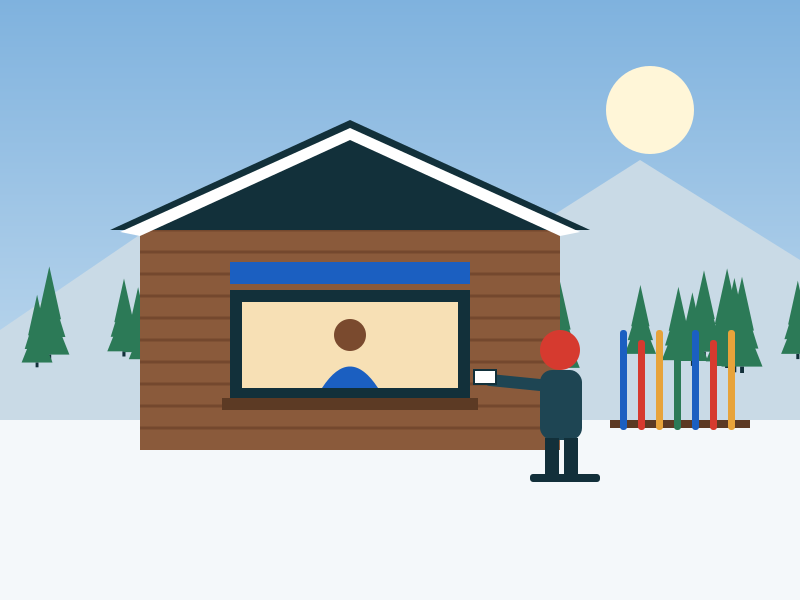
Illustration of a skier buying a ticket at the lodge window

Online shop

/shop/your-mountain

Tickets, passes and gift cards, bought by card from any phone.

Comes with Online shop (add-on)

Options you set

  • Your logo, brand colour, a hero photo and an opening-day banner
  • Which products sell online, and on which weekdays
  • A daily ticket limit per day, and a waitlist when a day sells out
  • A discount for buying ahead
  • Promo codes, including one-use codes
  • Gift cards from $5 to $1,000
  • Date changes up to the hours you choose, for a fee
  • Reminder, thank-you and unfinished-basket emails
  • Group enquiries for school and club trips
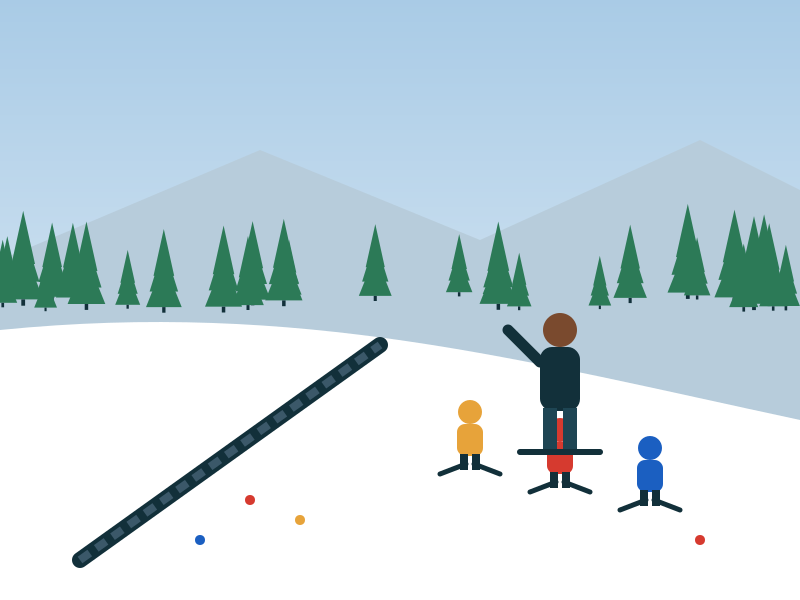
Illustration of an instructor teaching three children on a beginner slope

Lesson booking

/book/your-mountain

Guests request a lesson, pay for it and check where their request stands.

Comes with Ski school

Options you set

  • Which lessons can be booked online
  • Card payment by Stripe
  • A refund policy in steps: full, then partial, then none
  • English or Spanish, chosen by the guest
  • A phone number and a link to the shop when booking is closed

Waiver signing

/waiver/your-mountain

Guests sign their season waiver on a phone before they drive up, or on a tablet at the counter.

Comes with every mountain

Options you set

  • Your own wording, with a sample to start from; every version is kept
  • A parent or guardian signs for the children in one go
  • Counter tablet mode that clears after each family
  • Email a signing link to a guest
  • Each signer gets a private copy of exactly what they signed
  • Ask everyone to sign again when the wording changes
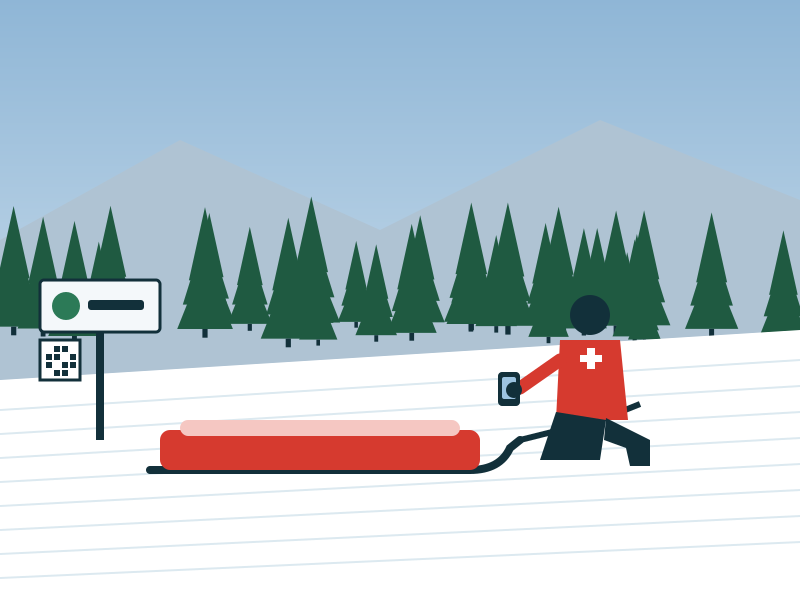
Illustration of a patroller beside a rescue toboggan

Patrol giving and follow-up

/give/your-mountain

Five days after an incident, a note asks how patrol did and offers a simple way to give.

Comes with Patrol

Options you set

  • Follow-up on or off
  • A director approves serious cases first
  • Gift amounts, a mailing address and who replies go to
  • The name shown on the email
  • A permanent "Stop these emails" link

Guest help page

/help/your-mountain

A QR code on a trail sign opens a page where a guest can ask patrol for help.

Comes with Patrol

Options you set

  • Off until a manager turns it on
  • Always tells guests to call 911 in an emergency
  • Limits on how often it can be used, and bot-filled forms ignored

Instructor availability

/availability/your-mountain

Instructors post the days and times they can teach.

Comes with Instructor availability

Options you set

  • An optional public page for guests
  • Instructors edit their own dates

Time clock tablet

/kiosk

The employee-entrance tablet where your crew clocks in. Staff only.

Comes with Staff and schedule

Options you set

  • Paired to your mountain by a manager with a one-time code
  • PIN or badge to clock in

Guests also get links in their emails: their own order page, and a way to stop emails at any time. Want to see the pages working? Start a demo mountain.

Always there, whatever you switch on.

These parts come with every mountain.

Today

A board of tiles for each role: what is open, what needs attention, shift notes, and a wall screen for the lodge or patrol room.

Inbox

Messages between your crew, with links to the records they are about. Published shifts arrive here.

Customers

One record per guest, with their purchases, lessons, rentals and waivers.

Waivers

Signed waivers with the signature and exact wording, a searchable register, and a copy for the guest.

My shifts

Each person's own schedule and time clock.

Help and billing

How-to articles for every page, What's new, and a Billing page where the owner manages the plan and payment.

Works where you work.

On the counter computer

Sell, rent, book lessons and count the drawer in a normal web browser. Nothing to install.

On the patrol phone

Add DAY/OS to the home screen for call alerts. Dispatch, cases and checklists work on a phone, and when the signal drops, entries are kept and sent when it returns.

In the shop and the yard

A QR tag on each machine opens its page on a phone, ready for the pre-shift check, the fuel log or a problem report.

On the tablets

A time clock at the employee entrance, a patrol-room screen where patrollers tap in and out, and a counter tablet for waivers.

Tell us which part of the day is hardest.

We will show you that part first, with your own lifts and trails on the screen.